
⚙ Introduction
Security is no longer a luxury—it’s a necessity. Across Ethiopia, especially in fast-growing cities like Bahir Dar, businesses and homeowners are facing increasing concerns about theft, unauthorized access, and property safety.
One of the most reliable and cost-effective solutions today is installing a CCTV (Closed-Circuit Television) system. Whether you own a small shop, manage an office, or want to protect your home, CCTV cameras allow you to monitor activities in real time and keep recorded evidence when needed.
The best part? CCTV technology has become more affordable and user-friendly in Ethiopia. You no longer need advanced technical skills to install a basic system.
In this complete guide, you’ll learn:
- What equipment you need for CCTV installation
- Step-by-step setup instructions
- How to configure your system with and without internet
- Practical tips based on real installations in Ethiopia
👉 ይህ መመሪያ ለጀማሪዎች በቀላሉ የሚከተለው ነው።
🩸Why CCTV Installation is Important in Ethiopia
CCTV systems are becoming essential for both residential and commercial properties. Here’s why:
1. Crime Prevention
Visible cameras discourage theft and suspicious activity. Most criminals avoid locations with surveillance systems.
2. Real-Time Monitoring
You can monitor your home, shop, or office live from a screen or mobile phone.
3. Evidence Recording
CCTV footage can be used as proof during disputes, theft, or accidents.
4. Employee & Activity Monitoring
For businesses, CCTV helps monitor employee performance and customer interactions.
5. Peace of Mind
Knowing your property is under surveillance reduces stress and improves confidence.
👉 In cities like Bahir Dar, CCTV is quickly becoming a standard security requirement.
⏭ Watch the full video here 👇
👉 Watch the video above to learn how to install and configure a complete CCTV system for homes and businesses in Ethiopia step by step.
🔔 Essential Devices for CCTV Installation
Before starting your installation, make sure you have the following equipment:
1. IP Cameras
These cameras capture and transmit video over a network. They offer better quality compared to analog cameras.
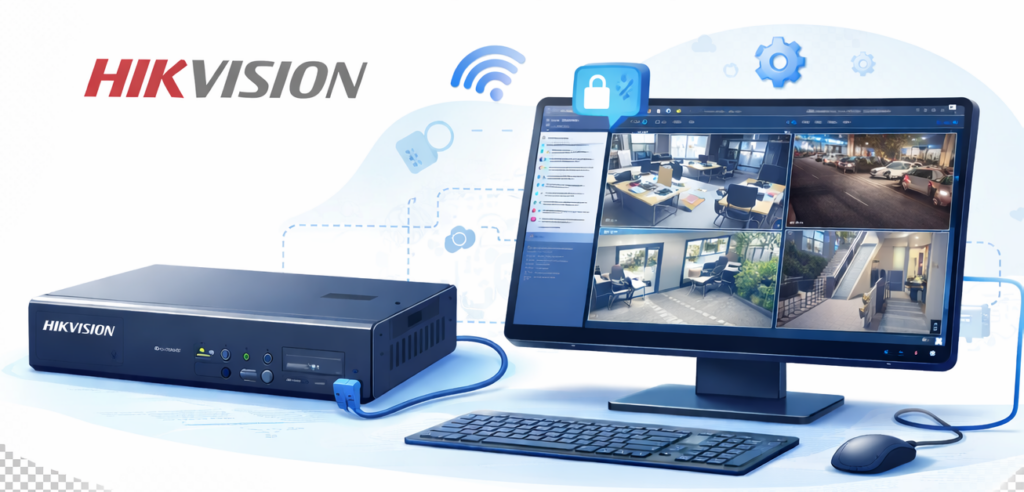
2. NVR (Network Video Recorder)
The NVR stores video footage and manages your cameras.
3. Hard Drive (HDD)
Installed inside the NVR, it stores recorded video. Common sizes include 500GB, 1TB, or 2TB.
4. Ethernet (LAN) Cables
Used to connect cameras to the NVR or PoE switch.
5. PoE Switch (Optional)
PoE (Power over Ethernet) allows one cable to carry both power and data—making installation easier.
6. Router (Optional)
Required for internet access and remote viewing.
7. Power Supply
Ensures all devices receive stable power.
8. Monitor or Computer
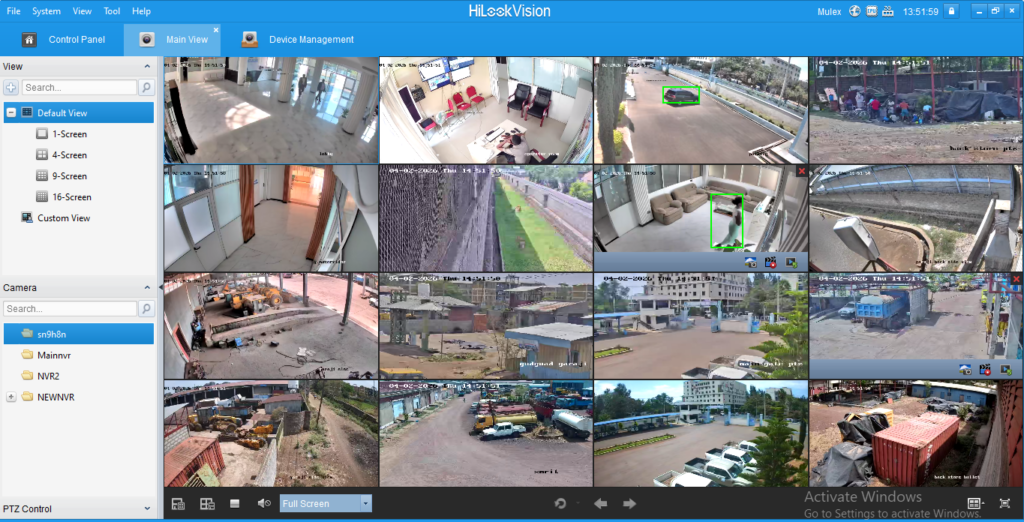
Used to configure the system and view footage.
👉 Preparing all equipment before starting will save time and prevent installation delays.
⚡Step-by-Step CCTV Installation Guide
Step 1: Plan Camera Placement
Planning is the most important step in CCTV installation.
Focus on key areas:
- Main entrances and exits
- Parking spaces
- Hallways and corridors
- Blind spots
Important Tips:
- Install cameras at a higher position to prevent tampering
- Avoid direct sunlight or strong light sources
- Ensure a clear, wide-angle view
👉 ካሜራ ቦታ መምረጥ የስራው 50% ነው።
Step 2: Mount the Cameras
Once you’ve selected the locations:
- Fix cameras securely using screws and brackets
- Ensure they are stable and properly aligned
For outdoor cameras:
- Use waterproof and dust-resistant models
- Protect cables from weather damage
Step 3: Connect the Cameras
Now connect your cameras using Ethernet cables:
- Direct connection to NVR
OR - Connection through a PoE switch
Why PoE is better:
- Reduces cable clutter
- Simplifies installation
- More reliable power supply
Step 4: Set Up the NVR
This is where your system comes together.
Steps:
- Install the hard drive inside the NVR
- Connect the NVR to a monitor (HDMI/VGA)
- Power on the system
- Follow on-screen instructions
👉 Always format your hard drive before recording.
🌐 CCTV Configuration with Internet (Remote Access)
If you want to monitor your cameras from anywhere, you need internet access.
Setup Steps:
- Connect the NVR to your router using a LAN cable
- Confirm your internet connection is active
- Configure network settings:
- IP address
- Gateway
- DNS
- Install a mobile app such as Hik-Connect
- Scan the QR code or add the device manually
Benefits of Remote Access:
- View cameras from your phone anytime
- Receive motion alerts
- Check your business even when traveling
👉 This setup is highly recommended for business owners.
❌CCTV Setup without Internet (Offline Mode)
No internet? No problem.
You can still use your CCTV system locally.
Setup Steps:
- Connect cameras directly to the NVR
- Connect a monitor to the NVR
- Use a mouse to navigate the system
- View live and recorded footage locally
Best Use Cases:
- Small shops
- Homes in areas without stable internet
- Temporary installations
⚠️ Limitation: Remote viewing is not available.
✔ Real-Life CCTV Setup in Bahir Dar
Based on actual installations in Bahir Dar:
Most small businesses prefer:
- 4–8 camera systems
- NVR with 1TB storage
- PoE-based installations
Results After Installation:
- Significant reduction in theft
- Better control and monitoring
- Increased customer and staff confidence
Expert Tips for Better CCTV Performance
To get the best results from your system:
- ✔ Use high-quality cables and devices
- ✔ Set strong passwords to prevent hacking
- ✔ Adjust camera angles carefully
- ✔ Enable motion detection for smart recording
- ✔ Regularly check and maintain your system
👉 ጥሩ ስርዓት = ጥሩ ደህንነት
Common CCTV Installation Mistakes to Avoid
Avoid these common errors:
- Installing cameras too low (easy to damage)
- Using poor-quality cables
- Ignoring storage capacity
- Leaving default passwords unchanged
- Skipping system maintenance
👉 Avoiding these mistakes saves money and improves security.
📍 Frequently Asked Questions (FAQ)
1. How many CCTV cameras do I need?
It depends on your space. Small homes may need 2–4 cameras, while businesses may require 4–16 or more.
2. Do I need internet for CCTV?
No. Internet is only required for remote viewing.
3. How long does CCTV footage last?
It depends on your hard drive size and recording settings. Typically, footage lasts from a few days to several weeks.
4. Can CCTV work during power outages?
Only if you use a backup system like a UPS or inverter.
✅ Conclusion
Installing a CCTV system in Ethiopia has never been easier. With affordable equipment and simple setup methods, anyone can create a reliable security system for their home or business.
Whether you choose an online system for remote monitoring or an offline setup for local use, the key to success is proper planning and correct installation.
A well-installed CCTV system not only protects your property but also gives you peace of mind—24 hours a day, 7 days a week.
👉 በአጠቃላይ፡ የCCTV መጫን የደህንነት ትልቅ እርምጃ ነው።
Need Professional CCTV Installation in Ethiopia?
If you want a secure and professionally installed system, working with experts can save you time and prevent costly mistakes.
👉 Contact BlueWave Technology for:
Ensure your system is installed correctly, securely, and efficiently.
Mesobii magaalaa limu gennat