⚙ Introduction
If you’ve ever wondered how your office internet, computers, CCTV systems, and Wi-Fi all work together, the answer lies in networking devices.
From small offices to large organizations, these devices are responsible for keeping everything connected, fast, and secure.
At BlueWave Technology, we often see businesses struggle with:
- Slow internet
- Weak Wi-Fi signals
- Unstable network connections
In many cases, the problem is not the internet provider—it’s the network setup and devices being used.
In this guide, you’ll learn what the most important networking devices do and why they matter for your business.
⏭ Watch the Full Explanation 👇
👉 Watch the video above to understand how networking devices like routers, switches, and firewalls work together in a real network.
🔔What Are Networking Devices?
Networking devices are hardware components that connect computers, servers, and other devices so they can communicate and share data.
Each device has a specific role, and together they create a complete and efficient network.
1. Repeater 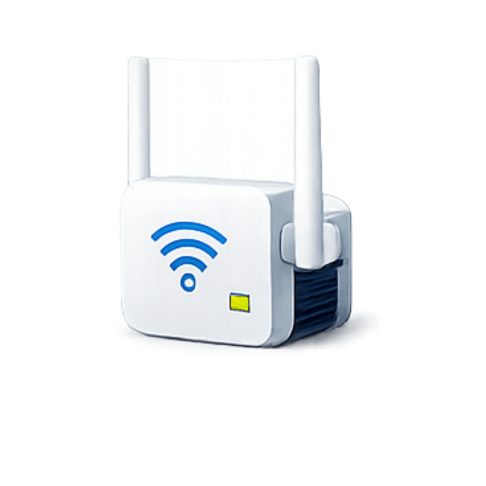
A repeater is used to extend the range of a network signal.
When a Wi-Fi or network signal becomes weak over distance, a repeater captures that signal, amplifies it, and retransmits it.
Best for:
- Large office spaces
- Buildings with thick walls
- Areas with weak Wi-Fi coverage
👉 In simple terms, a repeater helps your signal “travel further.”
2. Hub 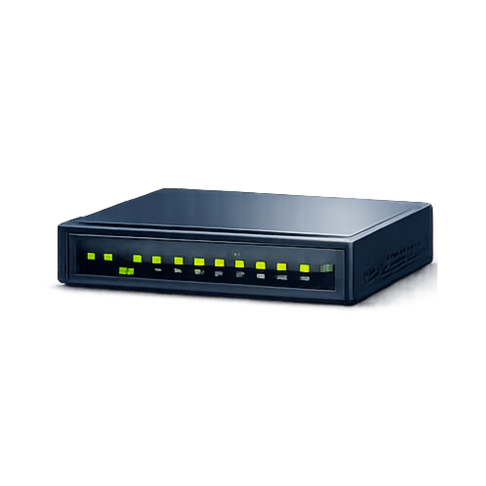
A hub is one of the oldest networking devices.
It connects multiple devices and sends data to all connected devices, regardless of who actually needs it.
Limitations:
- Slow performance
- High network congestion
- No intelligence in data handling
Because of these issues, hubs are rarely used today and have been replaced by switches.
3. Switch 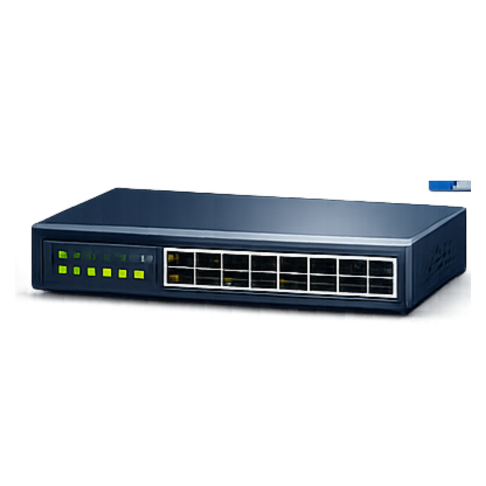
A switch is a more advanced and efficient version of a hub.
Instead of sending data to every device, a switch sends data only to the intended device.
Why switches are important:
- Faster communication
- Reduced network traffic
- Better performance for offices
Switches are essential in modern business networks because they improve speed and efficiency.
4. Bridge 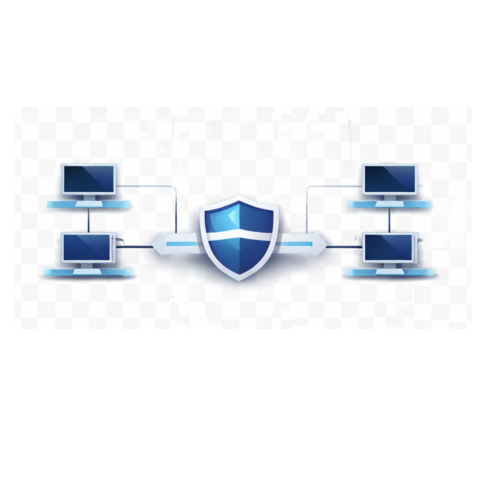
A bridge connects two separate networks and allows them to communicate with each other.
It also helps filter traffic to reduce unnecessary data flow between networks.
Common uses:
- Expanding network size
- Reducing congestion
- Connecting different network segments
👉 Think of a bridge as a traffic controller between two networks.
5. Router 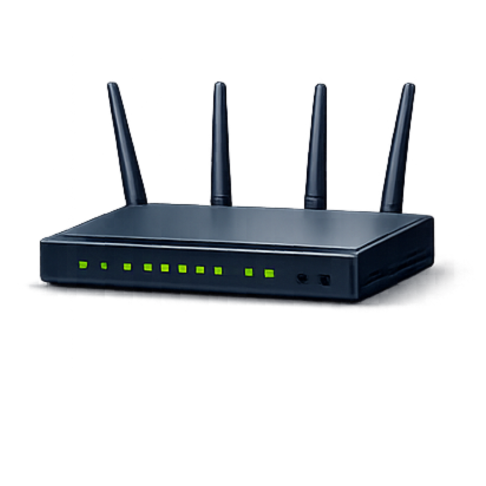
A router is one of the most important networking devices.
It connects your internal network (office devices) to the internet.
What a router does:
- Directs internet traffic
- Connects multiple networks
- Assigns IP addresses
- Manages data flow
Without a router, your devices cannot access the internet.
👉 Every home or business network needs a router.
6. Firewall 
A firewall is a security device that protects your network from threats.
It monitors incoming and outgoing traffic and blocks suspicious or unauthorized access.
Why a firewall is important:
- Protects sensitive business data
- Prevents hacking attempts
- Blocks malware and unauthorized access
For businesses, a firewall is not optional—it is essential for cybersecurity.
7. Network Interface Card (NIC) 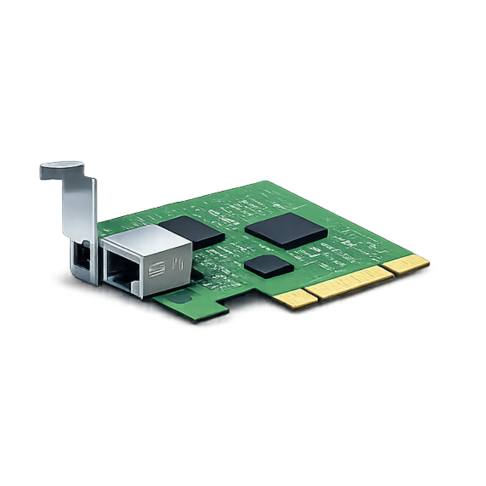
A Network Interface Card (NIC) allows a device to connect to a network.
It can be built into a computer or added as a separate component.
Without a NIC:
- A device cannot communicate with the network
- No internet or internal connectivity
Every computer, printer, or smart device relies on a NIC to function in a network.
✔ How These Devices Work Together
In a typical office setup:
- The router connects your network to the internet
- The switch connects multiple devices inside the office
- The firewall protects the network from threats
- The repeater extends Wi-Fi coverage
- The NIC allows devices to connect
Each device plays a role in ensuring:
- Speed
- Stability
- Security
❌ Common Networking Problems (and Causes)
Many businesses face issues like:
Slow Internet
Often caused by:
- Using hubs instead of switches
- Poor network design
Weak Wi-Fi Signal
Caused by:
- No repeater
- Poor router placement
Security Risks
Caused by:
- No firewall
- Misconfigured network
👉 Choosing the right devices can solve most of these problems.
🔔 Networking in Ethiopia: Why It Matters
As businesses in Ethiopia continue to grow, reliable networking is becoming more important than ever.
Many small and medium businesses operate without proper network infrastructure, leading to:
- Frequent downtime
- Data security risks
- Poor system performance
In cities like Bahir Dar, investing in the right networking devices can significantly improve business efficiency and security.
🔐 Best Practices for Setting Up a Network
To build a strong and reliable network:
- ✔ Use switches instead of hubs
- ✔ Install a firewall for security
- ✔ Position your router properly
- ✔ Use repeaters for large spaces
- ✔ Regularly maintain and update your network
✅ Conclusion
Networking devices are the foundation of any modern home or business network. Understanding how routers, switches, firewalls, repeaters, and other devices work together allows you to:
- Improve network performance
- Increase reliability
- Enhance security
Whether you’re setting up a small office or managing a larger infrastructure, choosing the right networking devices makes all the difference.
👉 በአጠቃላይ፡ ጥሩ ኔትወርክ የቢዝነስ ስኬት መሠረት ነው።
Need Help Setting Up Your Network?
If you want a fast, secure, and reliable network, working with professionals is the best approach.
👉 Contact BlueWave Technology for:
Get a network that is built for performance and security