🌐 Introduction
Think about your home or office internet for a moment. You might have a laptop, a smartphone, maybe a smart TV, and even a printer—all connected to the same Wi-Fi. Yet somehow, all these devices are able to browse the internet at the same time without any conflict.
Have you ever wondered how that is possible? 🤔
The answer is a technology called NAT (Network Address Translation)—a silent but powerful system working behind the scenes in almost every network today.
Without NAT, the modern internet as we know it simply wouldn’t function efficiently.
👉 በአማርኛ፡ NAT ብዙ መሳሪያዎች አንድ ኢንተርኔት እንዲጠቀሙ የሚያስችል ጠቃሚ ቴክኖሎጂ ነው።
⏭ Watch Full Video Tutorial
👉This video clearly explains NAT (Network Address Translation) and how it works in real networks
⚙️ Understanding NAT in Simple Terms
To really understand NAT, you need to first imagine how devices are identified on a network. Every device connected to the internet has something called an IP address, which acts like a digital identity.
Inside your home or office network, each device gets a private IP address—something like 192.168.x.x. These addresses are only used internally and cannot be accessed directly from the internet.
On the other hand, your internet service provider gives you a public IP address, which is how the outside world sees your network.
Here’s where NAT comes in.
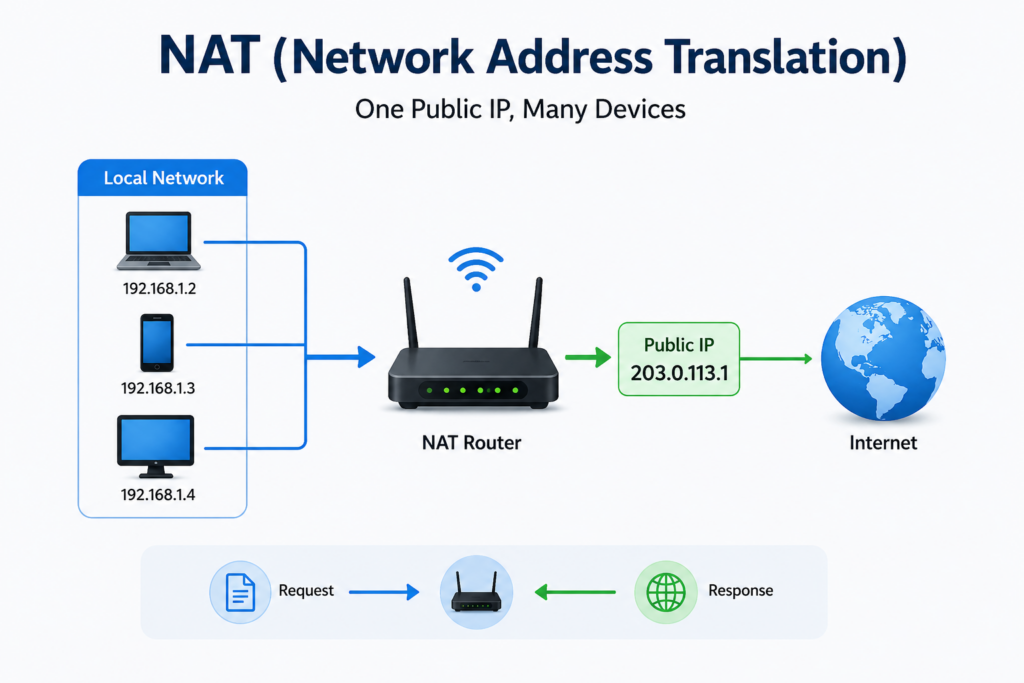
NAT acts like a translator between your internal network and the internet. It takes the private IP addresses of your devices and converts them into a single public IP address when they communicate online.
In simple terms, NAT allows many devices to “share” one public identity.
🧠 How NAT Works in Real Life
Let’s make this even clearer with a real-life situation.
Imagine you are in your home in Bahir Dar, connected to Wi-Fi. You open your laptop and type a website into your browser. At the same time, someone else in your house is watching YouTube on their phone.
Both devices send requests to the internet—but they don’t go directly. Instead, they first pass through your router.
The router, using NAT, replaces your device’s private IP address with its own public IP address before sending the request out. When the response comes back, the router remembers which device made the request and sends the data to the correct device.
All of this happens in milliseconds, so fast that you never even notice it.
👉NAT የውስጥ IP አድራሻን ወደ ውጭ IP ቀይሮ መልእክት ይላካል እና መልሱን ወደ ትክክለኛው መሳሪያ ይመልሳል።
🔢 A Closer Look at NAT Types
While NAT may seem like a single concept, it actually exists in different forms depending on how it is used.
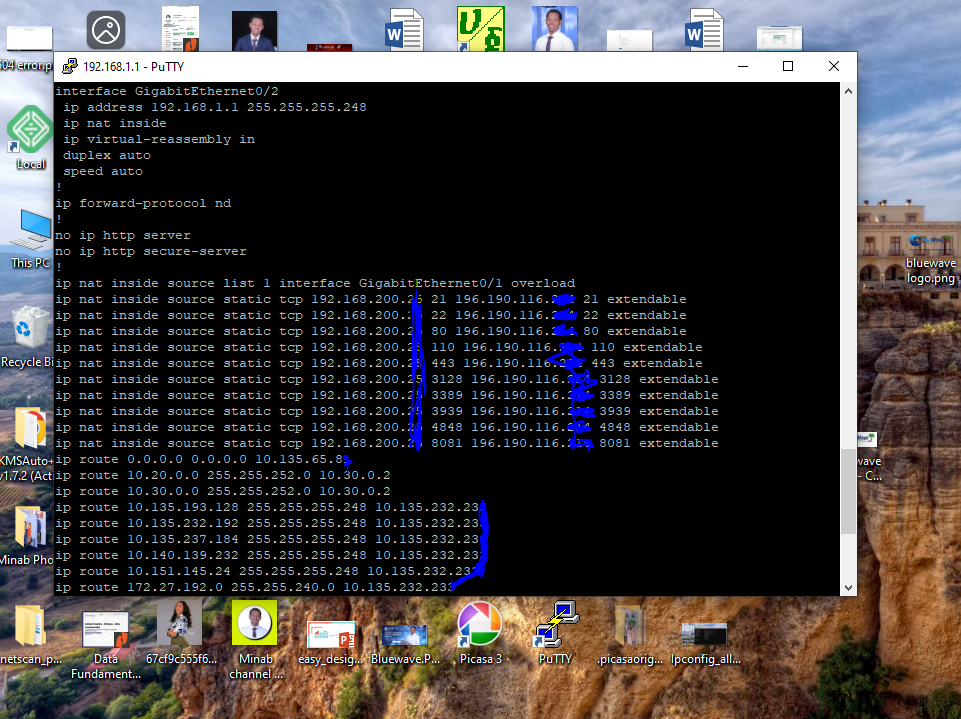
For example, in some business environments, a specific internal server might always be linked to one public IP address. This is known as Static NAT, and it is commonly used for hosting websites or services that need to be accessible from outside.
In other cases, a pool of public IP addresses may be used and assigned dynamically as needed. This approach is known as Dynamic NAT, though it is less common today.
The most widely used type, especially in homes and small offices, is something called PAT (Port Address Translation). This is what allows dozens of devices to share a single public IP address by keeping track of each connection using port numbers.
Even if you’ve never heard of PAT before, you are almost certainly using it right now.
🎯 Why NAT is So Important
NAT is not just a convenience—it solves some of the biggest challenges in networking.
One of the most critical problems it addresses is the shortage of IPv4 addresses. There simply aren’t enough public IP addresses for every device in the world. NAT allows millions of devices to share a limited number of addresses efficiently.
It also adds a layer of security. Since your internal IP addresses are hidden, external users cannot directly access your devices. While NAT is not a replacement for a firewall, it does provide basic protection by acting as a barrier between your private network and the public internet.
Another advantage is cost efficiency. Businesses and individuals do not need to purchase multiple public IP addresses for every device. With NAT, a single IP can serve an entire network.
👉 ከNAT ውጭ የኢንተርኔት አጠቃቀም በጣም ውድ እና አስቸጋሪ ይሆናል።
⚠️ Are There Any Limitations?
Despite its advantages, NAT is not perfect.
In some cases, it can make certain applications more complex to configure—especially things like online gaming, VoIP calls, or hosting servers. You may have heard of “port forwarding,” which is often required because of NAT.
There can also be a small performance overhead, though in most modern networks this is hardly noticeable.
Still, these limitations are minor compared to the benefits NAT provides.
🔍 Real Experience from Networking Work
In real-world networking setups—especially in places like Bahir Dar—many internet issues are actually related to NAT configuration.
Sometimes users cannot access certain applications, or services don’t work properly because ports are blocked or not configured correctly. In other cases, businesses struggle to host internal systems externally due to lack of understanding of NAT.
Once NAT is properly configured, many of these problems are resolved quickly.
❓ Frequently Asked Questions
Is NAT still needed today?
Yes, especially with IPv4 networks. Even though IPv6 exists, NAT is still widely used.
Is NAT the same as a firewall?
No, but it adds a basic level of protection by hiding internal IP addresses.
Can a network work without NAT?
Yes, but it would require public IP addresses for every device, which is not practical.
✅ Conclusion
NAT (Network Address Translation) is one of the most important technologies that keeps the internet running smoothly. It quietly manages communication between your private network and the outside world, allowing multiple devices to share a single connection efficiently.
Without NAT, the internet would be more expensive, less secure, and far more complicated to use.
👉 ኔትወርክ ለሚማሩ ሰዎች NAT መረዳት አስፈላጊ መሠረታዊ እውቀት ነው።
📞 Need Help with Networking?
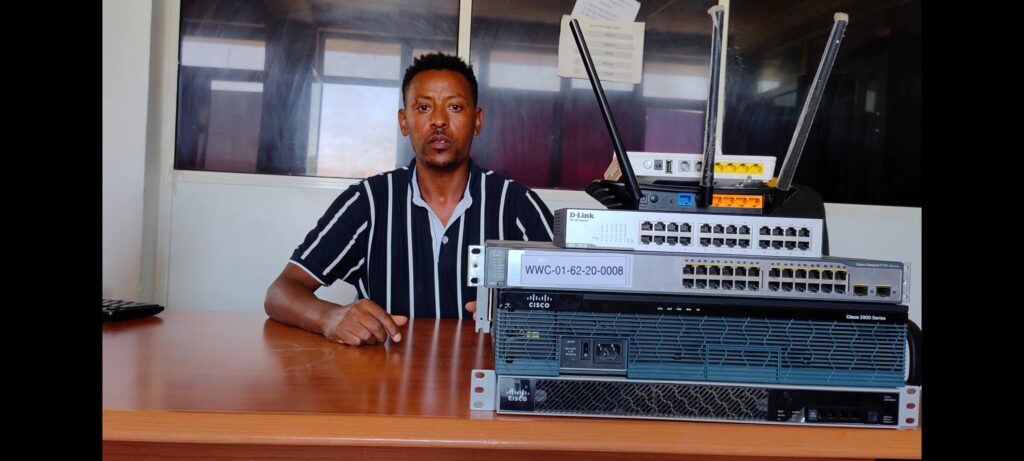
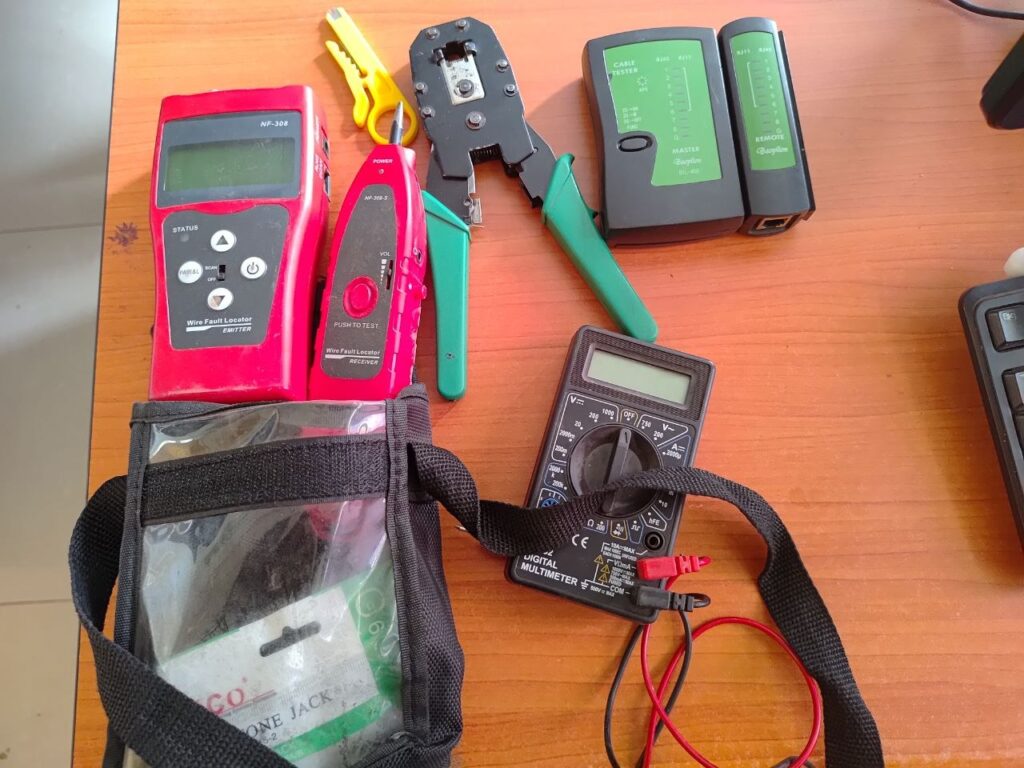
If you need help with router setup, NAT configuration, or network troubleshooting, BlueWave Technology offers professional networking services to keep your internet fast, stable, and secure.